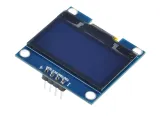
SKU: OT8682 Αριθμός είδους: OT8682 EAN: 8721244302898
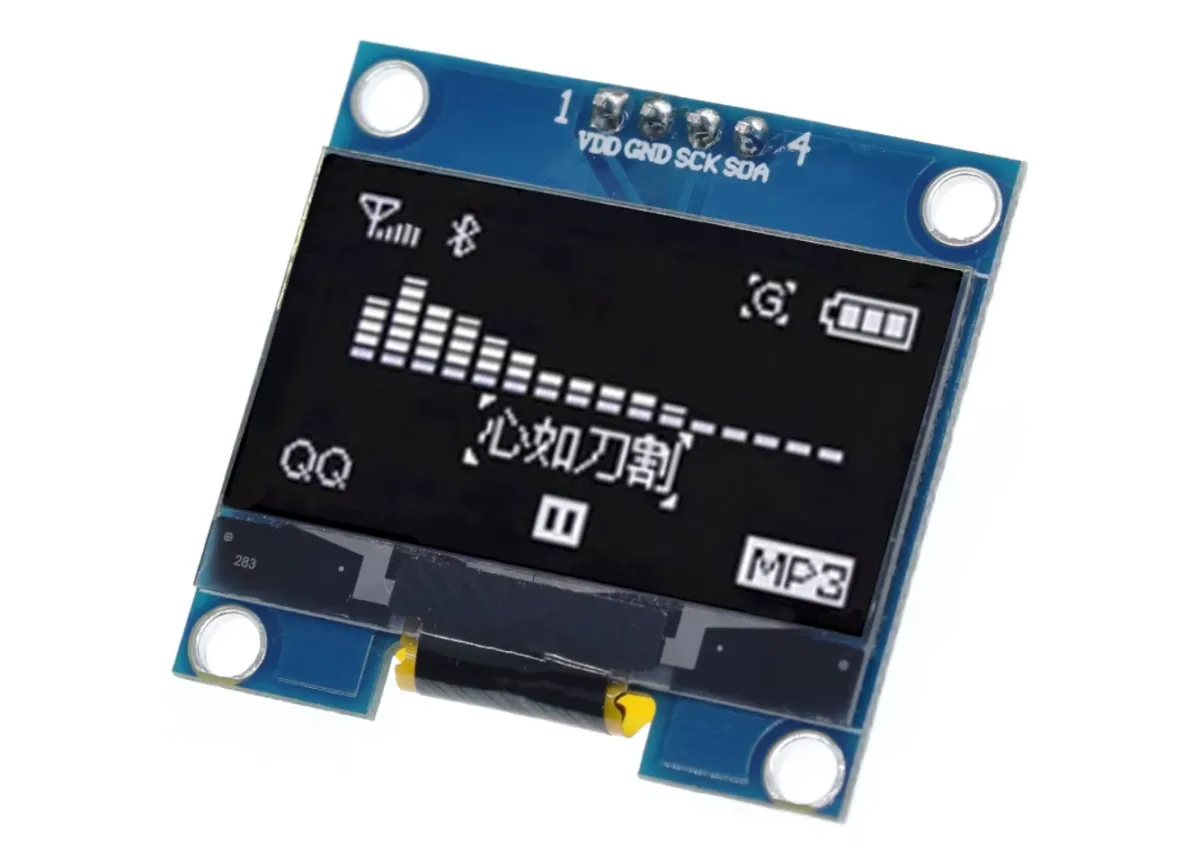
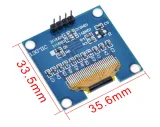
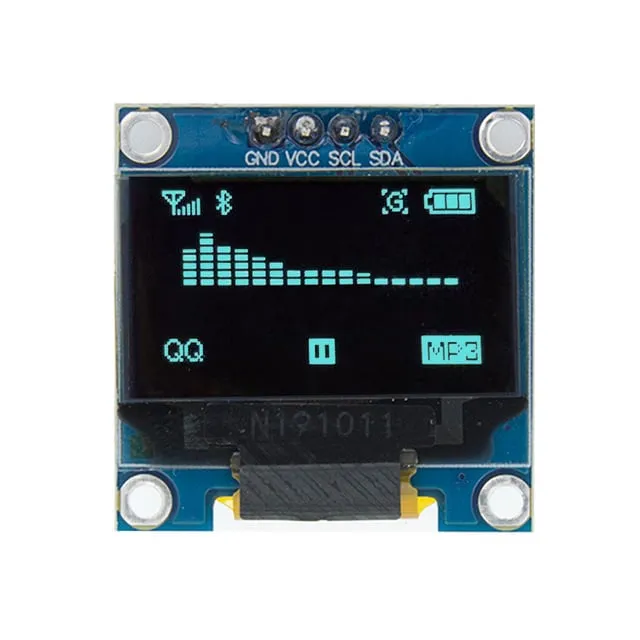
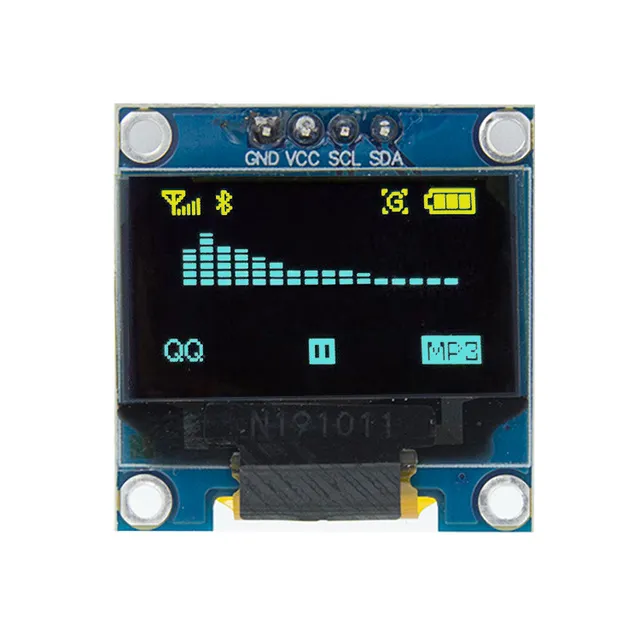
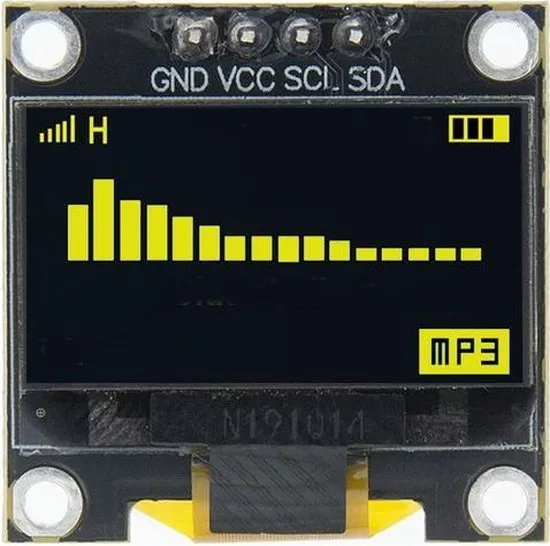
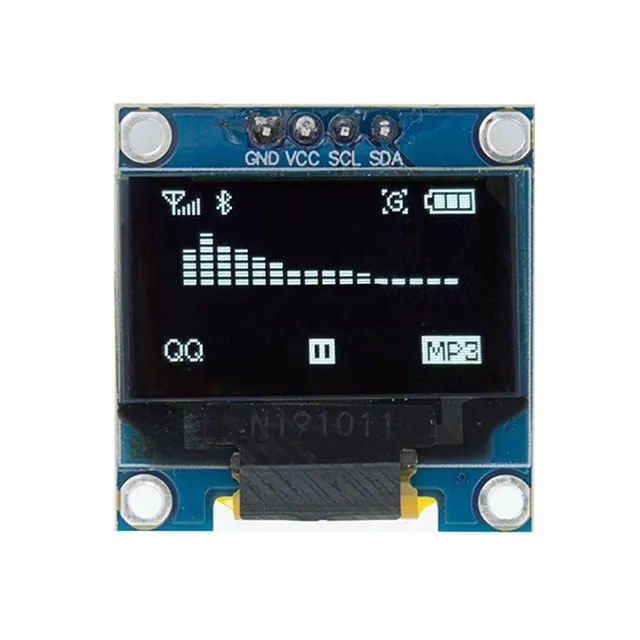
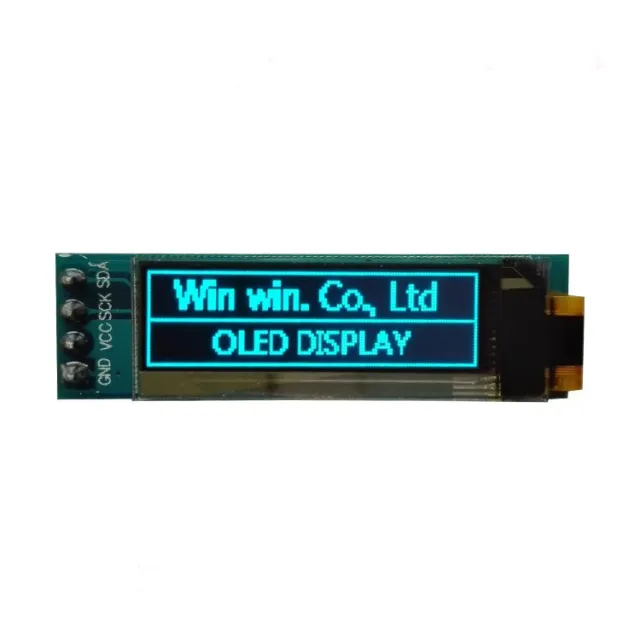
Αυτή η συμπαγής OLED οθόνη έχει διαγώνιο 1.3 inch και ανάλυση 128x64 pixels. Χάρη στη λευκή απεικόνιση, η οθόνη είναι ευανάγνωστη σε διάφορες συνθήκες φωτισμού.
Η οθόνη είναι ιδανική για έργα όπου απαιτείται καθαρή και ευκρινής απεικόνιση με απλή σύνδεση I2C. Η ευρεία τάση τροφοδοσίας και η ανθεκτική λειτουργία σε θερμοκρασίες την καθιστούν κατάλληλη για διάφορες εφαρμογές.
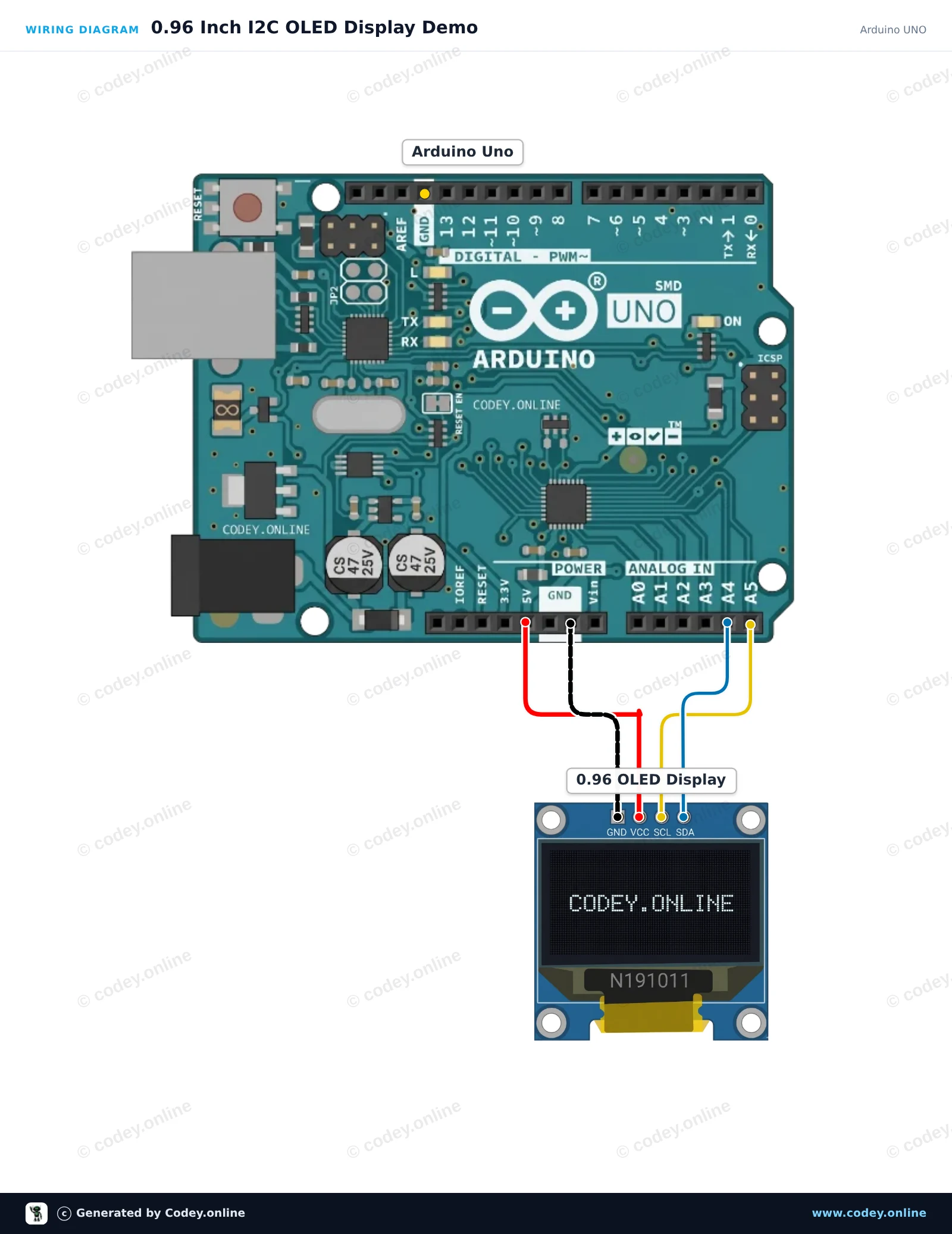
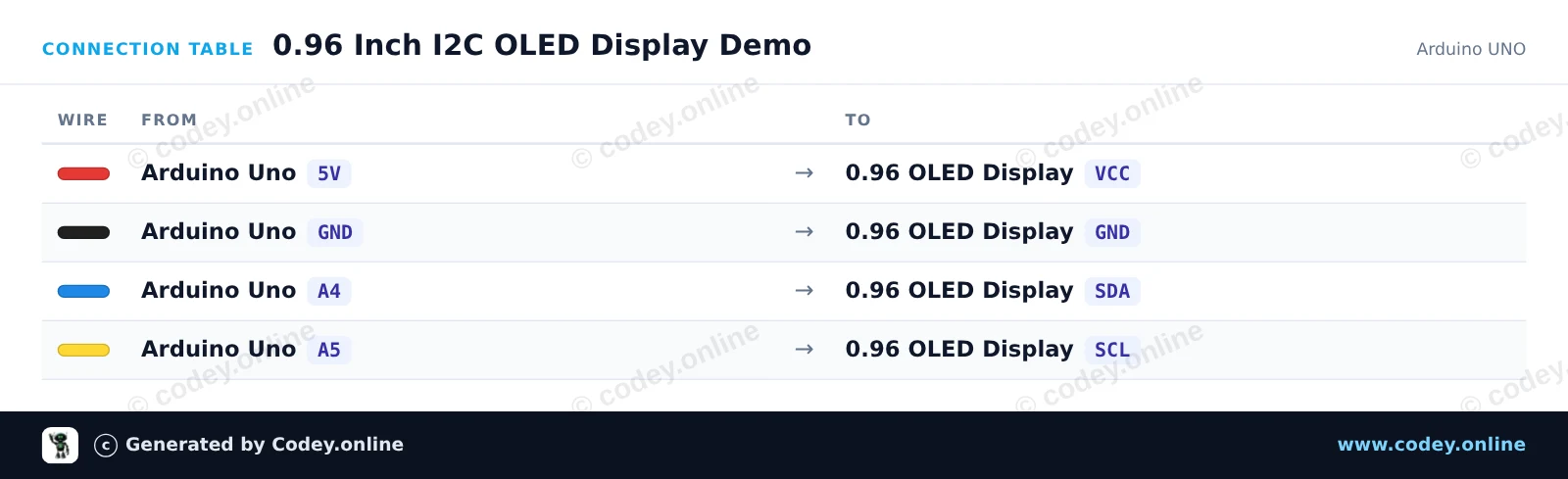
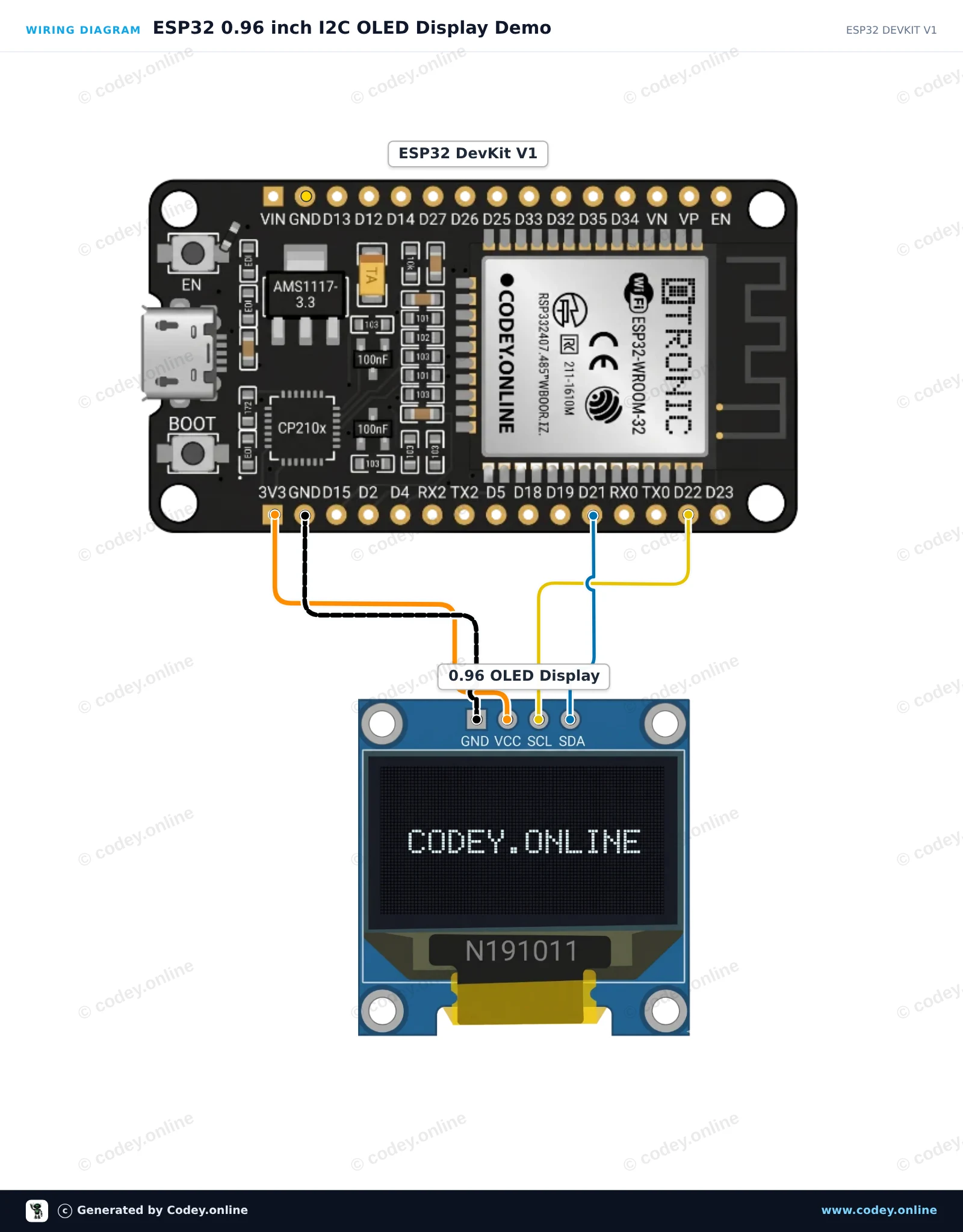
Έτσι συνδέεις το Μίνι OLED οθόνη λευκή 1.3 inch 128x64 I2C σε ένα Arduino UNO ή ESP32, με ένα παράδειγμα sketch που μπορείς να ανεβάσεις αμέσως.
Αυτό το έργο δείχνει πώς να συνδέσετε και να εμφανίσετε κείμενο, γραφικά και έναν μετρητή σε μια οθόνη OLED I2C 0.96-inch με ένα Arduino Uno. Το sketch χρησιμοποιεί τη ελαφριά βιβλιοθήκη U8g2 για να εμφανίσει έναν τίτλο, μια γραμμή διαχωρισμού και έναν μετρητή που αυξάνεται.
/*
 * ==================================================================
 *  Generated by Codey.online  —  https://www.codey.online
 * ==================================================================
 *  Project   : 0.96 Inch I2C OLED Display Demo
 *  Board     : Arduino UNO (arduino:avr:uno)
 *  Parts     : OLED Display 0.96 inch
 *  Libraries : U8g2 2.36.19
 *
 *  Codey Online is an AI-powered browser IDE for Arduino and ESP32.
 *  Describe your project and Codey writes the code, draws the wiring
 *  diagram and uploads it to your board, straight from the browser.
 *  This code is free to use, modify and share, without warranty.
 * ==================================================================
 */

#include <Wire.h>
#include <U8g2lib.h>

// Initialize U8g2 for 128x64 SSD1306 OLED using hardware I2C
U8G2_SSD1306_128X64_NONAME_1_HW_I2C u8g2(U8G2_R0, /* reset=*/ U8X8_PIN_NONE);

int counter = 0;

void setup() {
  Serial.begin(115200);
  u8g2.begin();
  Serial.println(F("OLED display initialized."));
}

void loop() {
  u8g2.firstPage();
  do {
    // Header
    u8g2.setFont(u8g2_font_ncenB08_tr);
    u8g2.drawStr(0, 12, "Arduino Uno + OLED");

    // Dividing line
    u8g2.drawLine(0, 16, 127, 16);

    // Counter value
    u8g2.setFont(u8g2_font_ncenB12_tr);
    u8g2.setCursor(0, 40);
    u8g2.print(F("Count: "));
    u8g2.print(counter);

    // Footer / status
    u8g2.setFont(u8g2_font_6x10_tr);
    u8g2.drawStr(0, 58, "Status: Running");
  } while (u8g2.nextPage());

  counter++;
  delay(1000);
}Απαραίτητες βιβλιοθήκες: U8g2 2.36.19
Wiring diagram and example code generated by Codey.online — https://www.codey.online
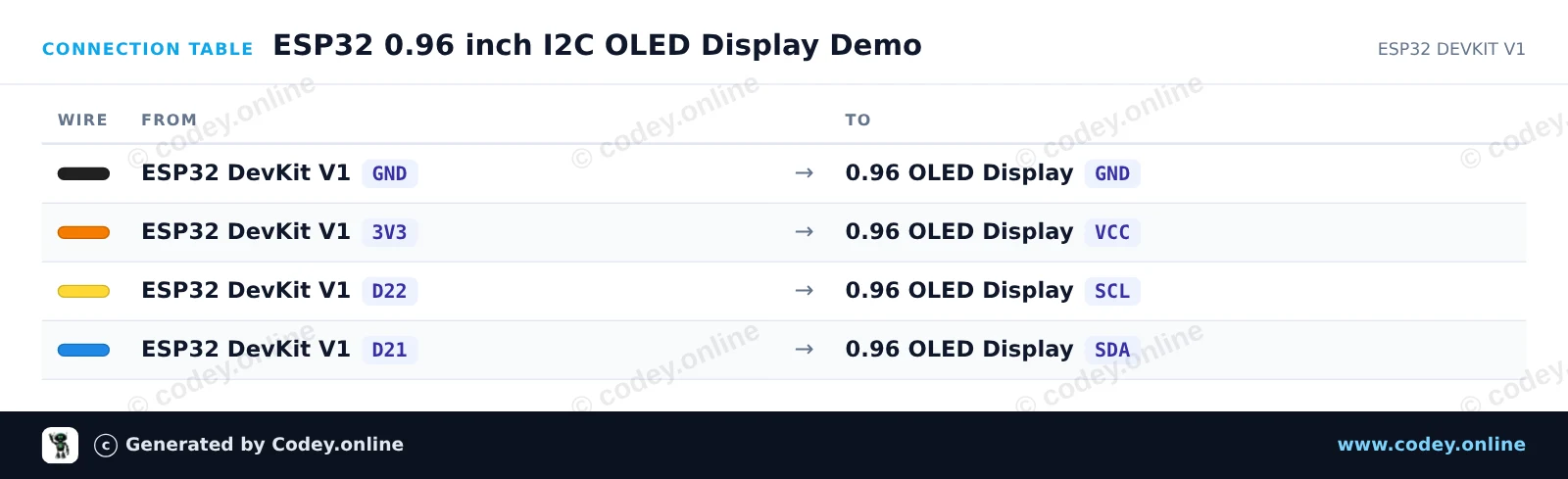
Αυτό το έργο δείχνει πώς να συνδέσετε μια οθόνη OLED I2C 0.96 inch σε ένα ESP32. Η οθόνη αρχικοποιείται με τις προεπιλεγμένες ακίδες I2C (GPIO 21 για SDA, GPIO 22 για SCL) και εμφανίζει ένα κείμενο καλωσορίσματος μαζί με έναν ζωντανό μετρητή που ενημερώνεται.
/*
 * ==================================================================
 *  Generated by Codey.online  —  https://www.codey.online
 * ==================================================================
 *  Project   : ESP32 0.96 inch I2C OLED Display Demo
 *  Board     : ESP32 DEVKIT V1 (esp32:esp32:esp32doit-devkit-v1)
 *  Parts     : OLED Display 0.96 inch
 *  Libraries : Adafruit SSD1306 2.5.16, Adafruit GFX Library 1.12.6
 *
 *  Codey Online is an AI-powered browser IDE for Arduino and ESP32.
 *  Describe your project and Codey writes the code, draws the wiring
 *  diagram and uploads it to your board, straight from the browser.
 *  This code is free to use, modify and share, without warranty.
 * ==================================================================
 */

#include <Wire.h>
#include <Adafruit_GFX.h>
#include <Adafruit_SSD1306.h>

#define SCREEN_WIDTH 128
#define SCREEN_HEIGHT 64
#define OLED_RESET    -1
#define SCREEN_ADDRESS 0x3C

Adafruit_SSD1306 display(SCREEN_WIDTH, SCREEN_HEIGHT, &Wire, OLED_RESET);

int counter = 0;

void setup() {
  Serial.begin(115200);

  // Default ESP32 I2C pins: SDA = GPIO 21, SCL = GPIO 22
  Wire.begin(21, 22);

  if (!display.begin(SSD1306_SWITCHCAPVCC, SCREEN_ADDRESS)) {
    Serial.println(F("SSD1306 allocation failed"));
    while (true);
  }

  display.clearDisplay();
  display.setTextColor(SSD1306_WHITE);
  display.setTextSize(1);
  display.setCursor(0, 0);
  display.println(F("ESP32 OLED Demo"));
  display.display();
  delay(1500);
}

void loop() {
  display.clearDisplay();

  display.setTextSize(1);
  display.setCursor(0, 0);
  display.println(F("ESP32 + SSD1306"));

  display.drawLine(0, 12, display.width(), 12, SSD1306_WHITE);

  display.setCursor(0, 20);
  display.print(F("Counter: "));
  display.setTextSize(2);
  display.setCursor(0, 36);
  display.print(counter);

  display.display();

  counter++;
  delay(1000);
}Απαραίτητες βιβλιοθήκες: Adafruit SSD1306 2.5.16, Adafruit GFX Library 1.12.6
Wiring diagram and example code generated by Codey.online — https://www.codey.online





 English
  Nederlands
  Frans
Frans  Deutsch
  Italiano
  Español
  Suomi
Suomi  Polski
  Dansk
Dansk  Български
  Čeština
  Hrvatski
  Svenska
  Aileen